
Find the right platform for your event operation.
Your budget, your rooming list, your airport pickups. Compare the tools around the work your team actually does.
Compare event platforms
Different products solve different problems. These guides explain the overlap, the trade-offs, and what to check in a demo.
Pypo vs Cvent
Event management & venue ecosystem
Compare Pypo’s event logistics with Cvent registration, budgeting, and Passkey room blocks.
Read comparisonPypo vs Bizzabo
Event experience & engagement
Compare event logistics with registration, attendee experiences, and Bizzabo’s room-block offering.
Read comparisonPypo vs Navan
Corporate travel & events
Compare Pypo’s planner workspace with meetings and events connected to corporate travel.
Read comparisonMake the demo about your event
- Start with one real participant itinerary, room assignment, and pickup.
- Ask which plans, integrations, and services the workflow needs.
- Request a price for the same event scope from every vendor.
See the operation inside Pypo
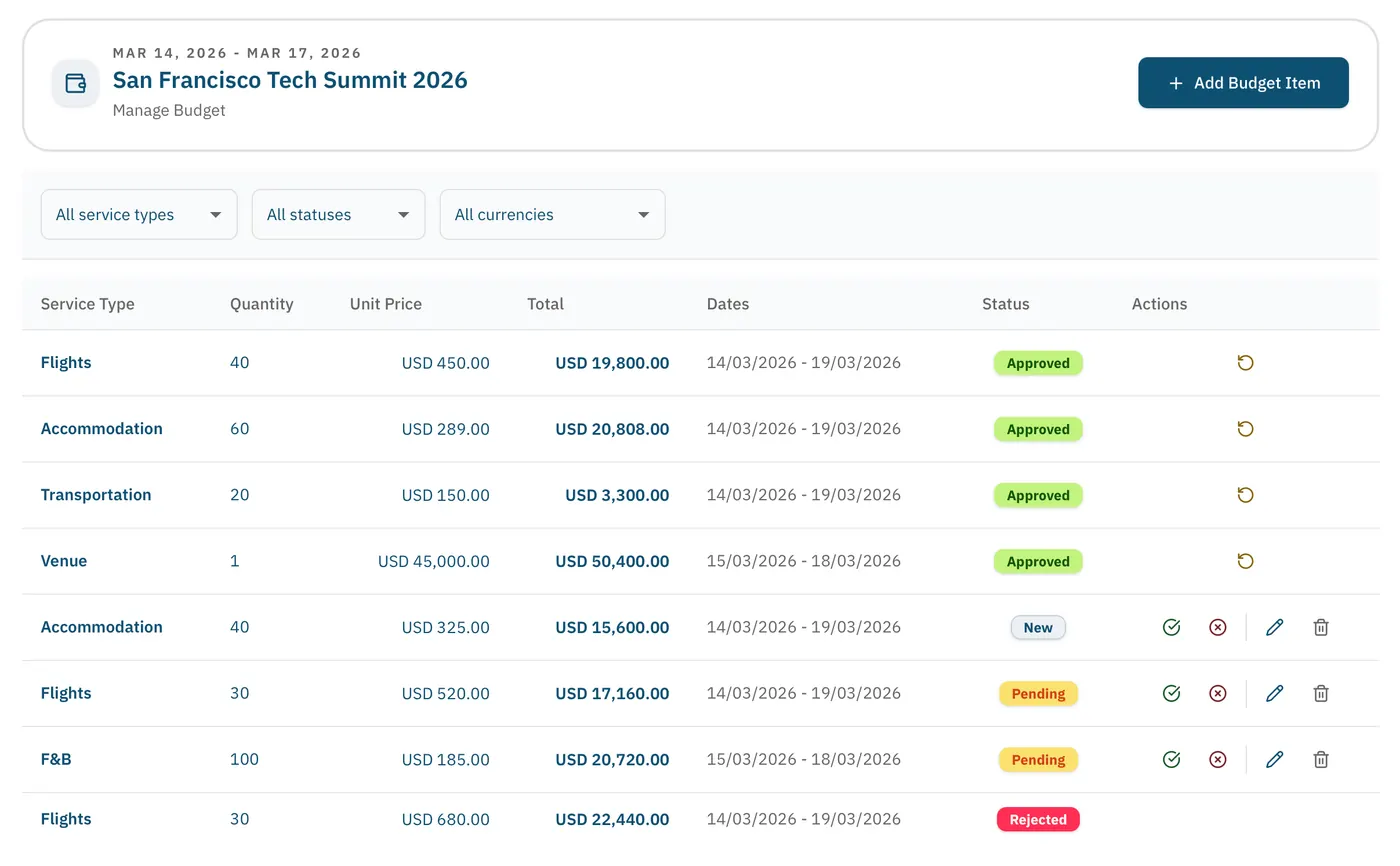
Explore budgets, flights, accommodation, and transfers in the product. Bring one of your event workflows to the demo.
How we compare
Pypo wrote this guide using the linked public product pages and its own published product information. It is an editorial comparison, not a hands-on benchmark of competing products. Recommendations reflect our assessment of workflow fit. Public documentation can omit capabilities, so unresolved details are questions for the vendor.
Here, spreadsheets means manually maintained files used with email or messaging. Custom scripts, add-ons, and integrations are outside this comparison. Their capabilities and costs vary.
Competitor names identify the products compared. Their trademarks belong to their respective owners. Pypo is not affiliated with or endorsed by these companies.
Bring your next event. We’ll walk through the work.
See how Pypo handles your budgets, rooming, flights, and transfers, then decide whether it fits your team.